EBOOK READER · AUDIOBOOK PLAYERWestern
Your books, your library.Collection unified.
Provenance preserved.Ebooks and audiobooks.
One library.Ebooks and audiobooks.
One library.A library that holds together.
Even if you built it piece by piece over the years.Where you bought it
is your business.A library
that grows with you.
You buy one book here, another there, a third somewhere else. Each one ends up in a different app, and after a while you lose track of what is where. Yet they are your books.
Bookitca brings them together in one library for reading and listening.Books from different stores, catalogs and years are recorded in one library. The originals remain in your own storage, unchanged.Books from different stores and storage services in one place. Reading and listening on iPhone and iPad.Books from different stores and storage services in one place. Reading and listening on iPhone and iPad.Books arrive from different places, in different formats and at different times. Bookitca brings them together in one library for reading and listening.Over the years, ebooks and audiobooks scatter across stores and apps. Bookitca collects them into one library. No account. No server of ours. No fuss.Books arrive one at a time, from different places and in different forms. In time they scatter across apps and services. Bookitca gathers them again into a single library for reading and listening.


Free to download. No account. Your library is ready the moment you open the app.
Good evening.
Synced just now
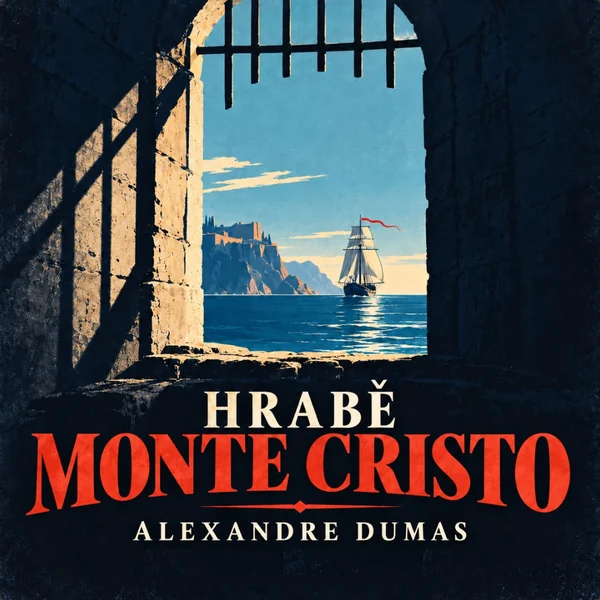
Continue listening
The Count of Monte Cristo
Alexandre Dumas
Marseille, the arrival
In progress
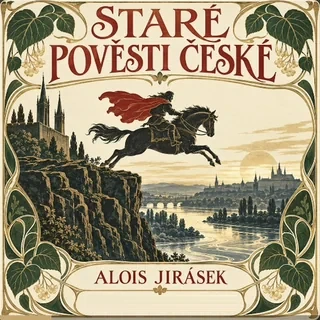 Old Czech LegendsAlois Jirásek · 6 h 10 min left
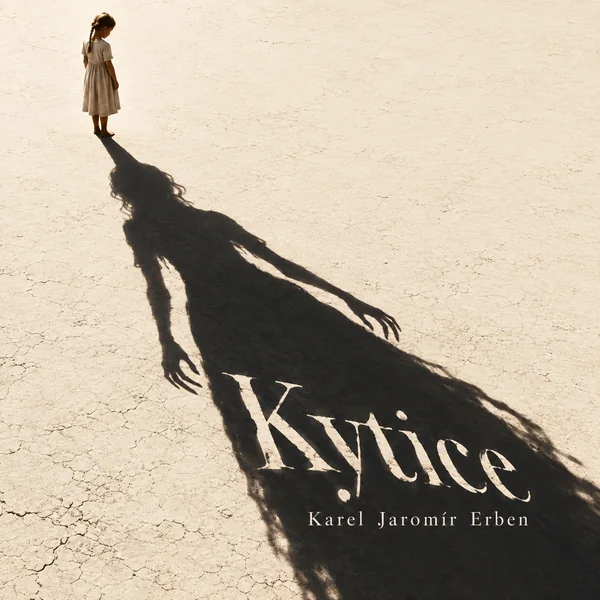 A BouquetKarel Jaromír Erben · 1 h 40 min left
 The Good Soldier ŠvejkJaroslav Hašek · 9 h left
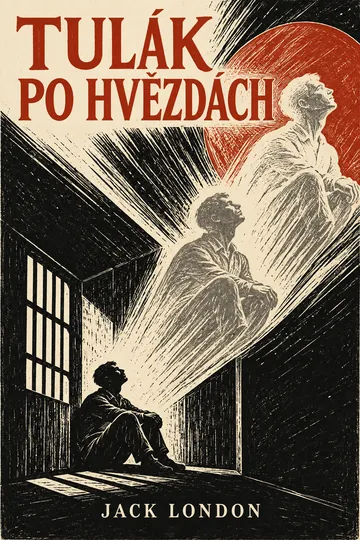
Continue reading
The Star Rover
Jack London
Chapter 1
In progress
 MayKarel Hynek Mácha · 80 % read
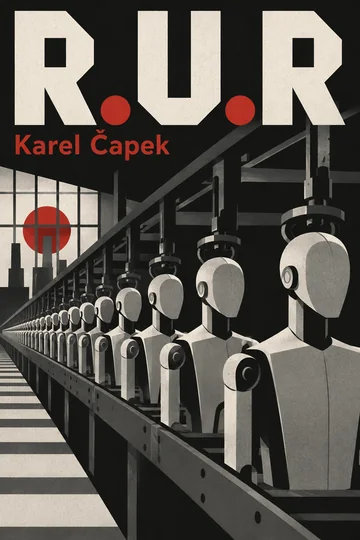 R.U.R.Karel Čapek · 12 % read
Marseille, the arrivalThe Count of Monte CristoREAD AND LISTENRomance
Read at home, listen on the tram.Reading: recorded.
Listening: likewise.Reading at home.
Listening on the flight from Zurich.Reading at home.
Listening on the morning run.You read at home.
You listen on the train to Vienna.Sitting? Read.
Walking? Listen.Once with the eyes.
Once with the ears.
The iPad picks up where the iPhone left off. Reading and listening alike.Your position is saved with your own holdings. Where reading or listening stops, it can continue on the next device.Position is saved to your own folder. Continue on iPhone or iPad from the same place.Your position stays saved. On the next device, continue from the same place.One day you have time for a page, another for headphones. Either way, Bookitca remembers where you stopped and takes you right back there on your next device.One day you read, the next you listen. Your place in the story isn’t lost, and on the next device you pick up where you stopped.Sometimes there is time to sit down with a page, sometimes to let the story play on the way. Either way, Bookitca remembers where you stopped and takes you back there on your next device.
EBOOKS
A book for when you have a moment to yourself.Volume opened.
Last place located.Text.
Controls on tap.Text.
Controls only on tap.A book, when you have
time for it alone.When it’s quiet,
open the book.When the time comes
to sit down with a page.
Text first, menus only on a tap. Open the book and you are back on your page.The book opens on the page where it was last set down. Controls remain hidden until they are needed.The book opens on the last page read. The interface stays hidden until needed.The book opens on the last page read. Everything else stays out of the way.Text comes first. Controls appear only when you need them. Open the book and carry on where you left off.The book goes back exactly where you closed it. The rest of the app keeps quiet and out of the way.Open the book and you are back where you left off. Everything else can wait a while.
ReadingThe Star RoverPage 5 of 160
- Your wayTypesetting adjusted.Typesetting.Typesetting.Typography your way.Your eyes, your typesetting.Typesetting for your eye.Set the typeface, size and page colour the way you like to read.Typeface, size and page appearance as the reader requires.Typeface, size and page colour as needed.Typeface, size and page colour as needed.Typeface, size and page appearance set so that reading remains the main thing.Typeface, size and page look, set the way you like.Typeface, size and page appearance adapt to the way you read.
Marseille, the arrival
The Count of Monte Cristo
Chapter 1 of 117
10:4153 h 45 min left−12:55
1×SleepChapters
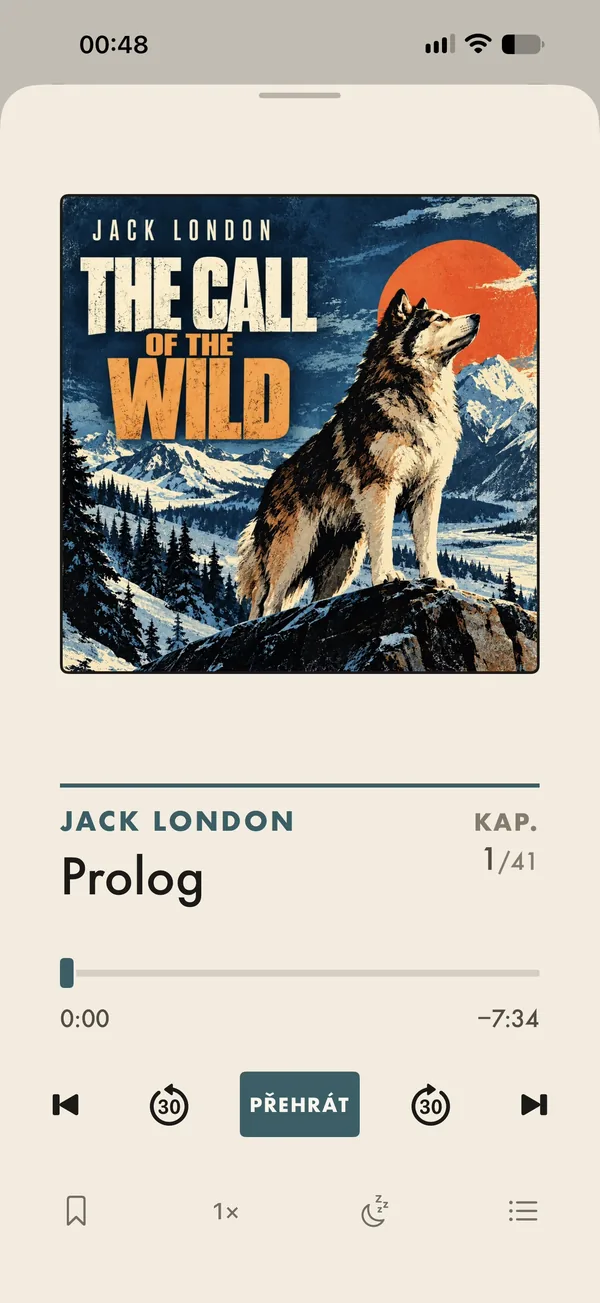
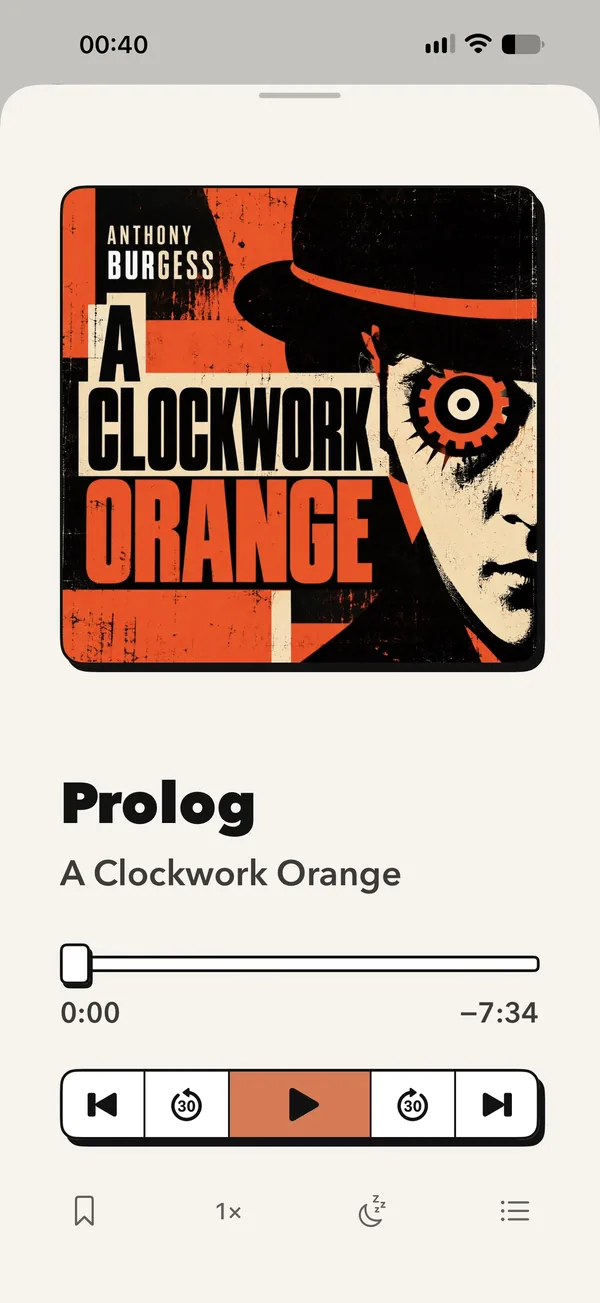
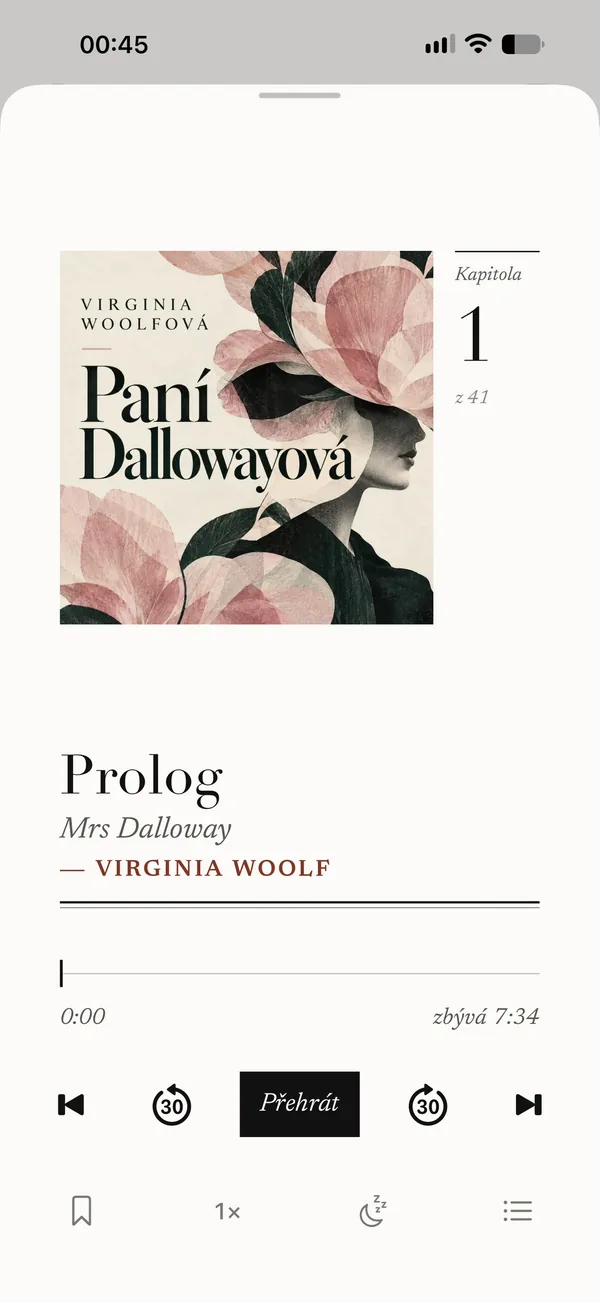
AUDIOBOOKS
A story for when you are on the move.Recording resumes.
From the last sentence heard.Audiobook.
Continues from the same place.Audiobook.
Continues from the same place.A story for the road.
From Prague all the way to Vienna.When you can’t read,
put it on.When there is no time to sit,
the story can go on.
Chapters, speed, a sleep timer and Lock Screen controls.The audiobook resumes exactly where listening was interrupted.Listening position is saved automatically. Return exactly where playback stopped.Listening position stays saved. Return exactly where playback stopped.Start the audiobook and carry on. Bookitca remembers the exact place and picks up from it when you return.Start the audiobook and keep going. Bookitca holds your place until you’re back.The audiobook continues where you left it. Whether you return in an hour or in a week, the story stays ready.
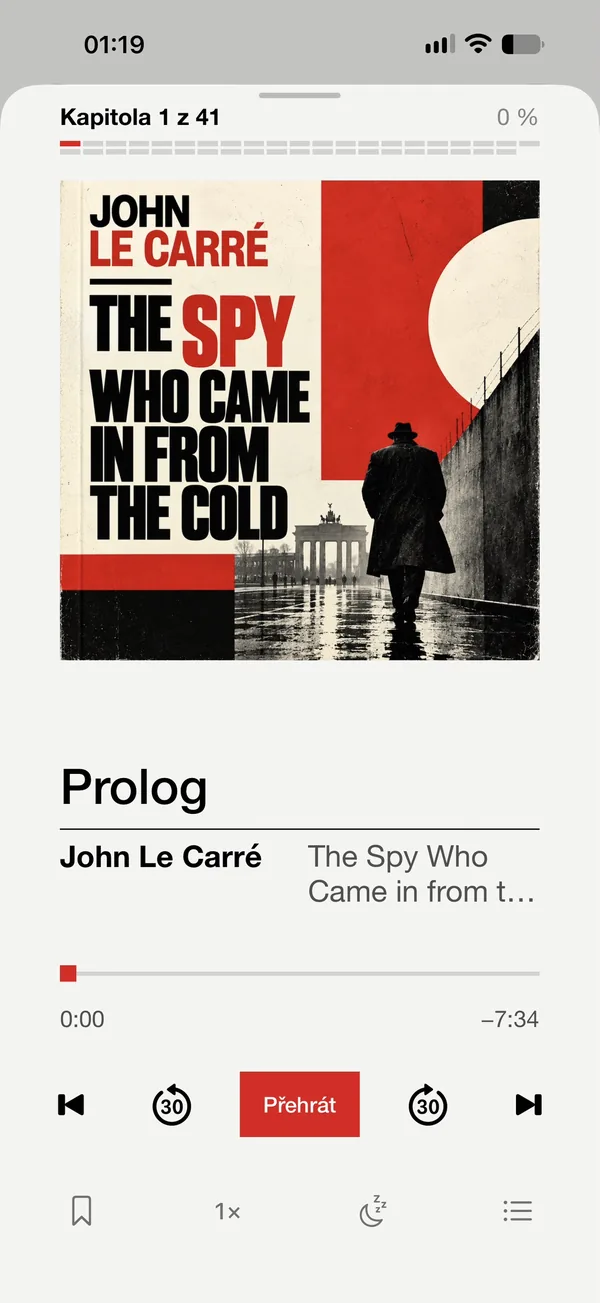
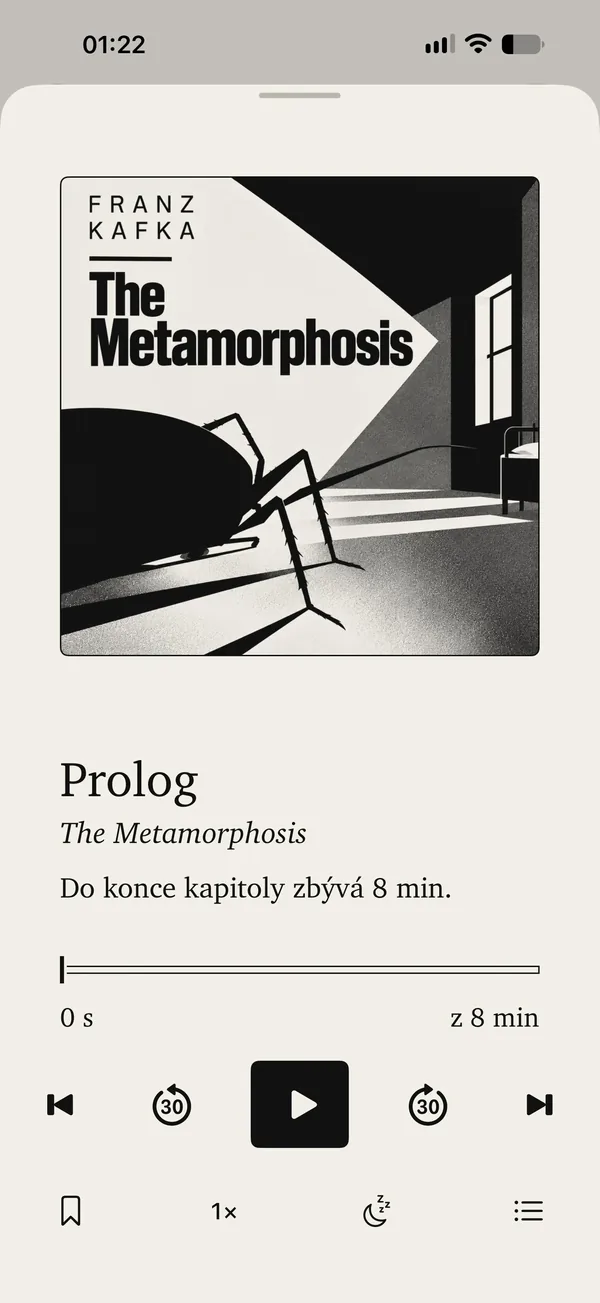
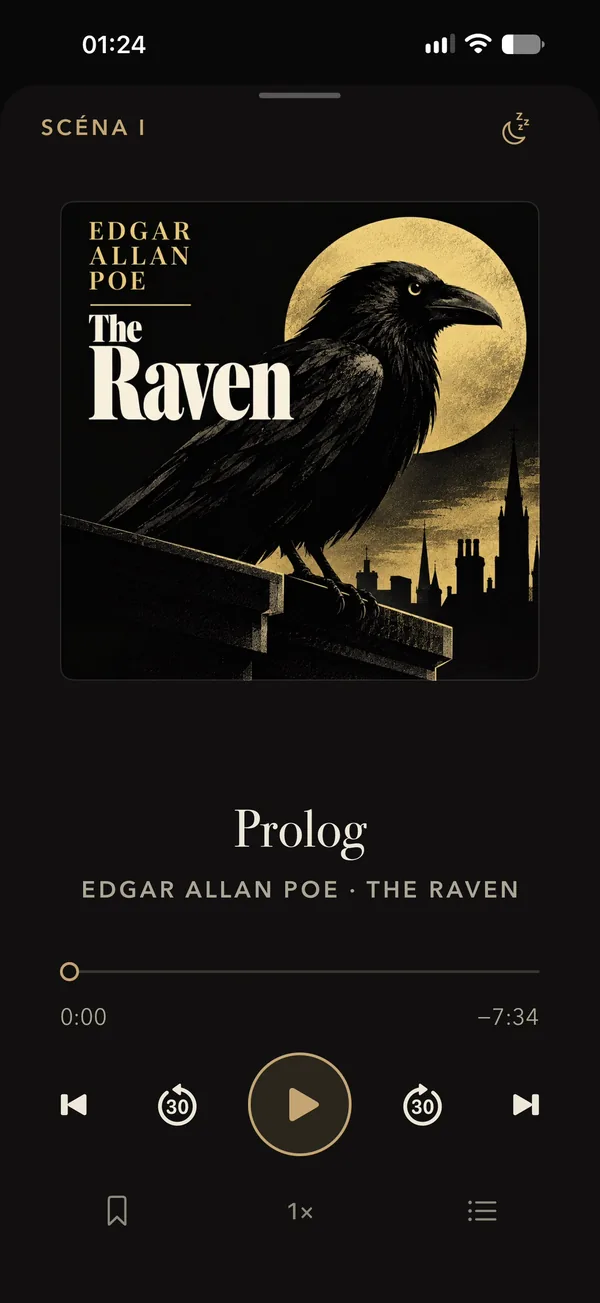
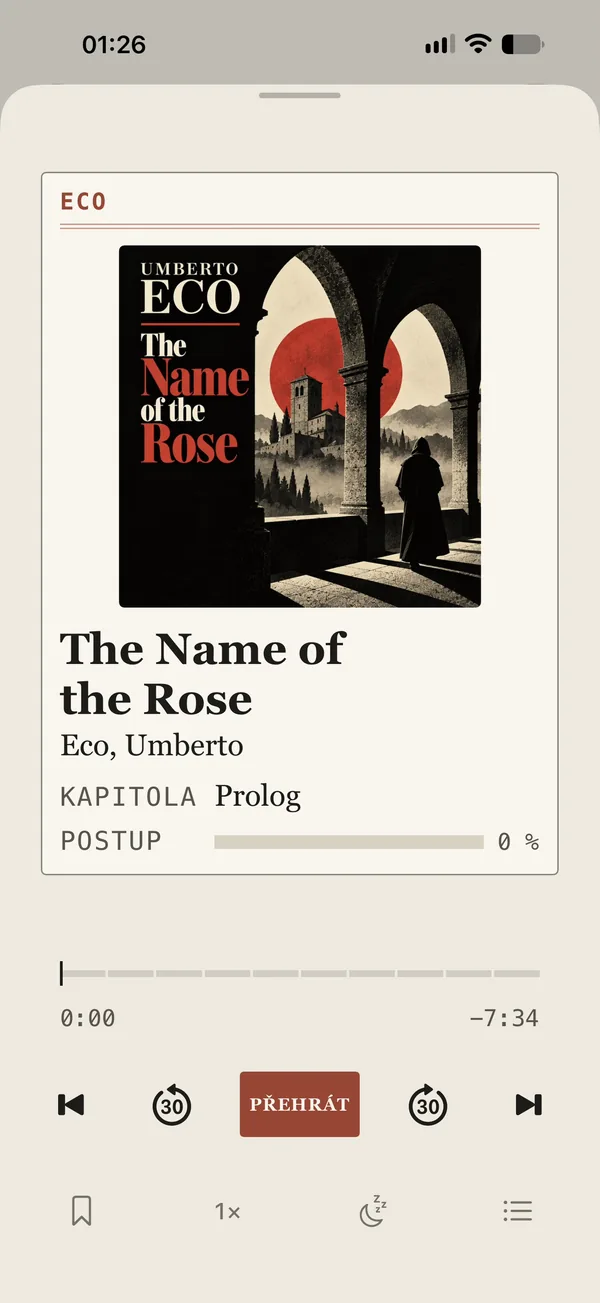
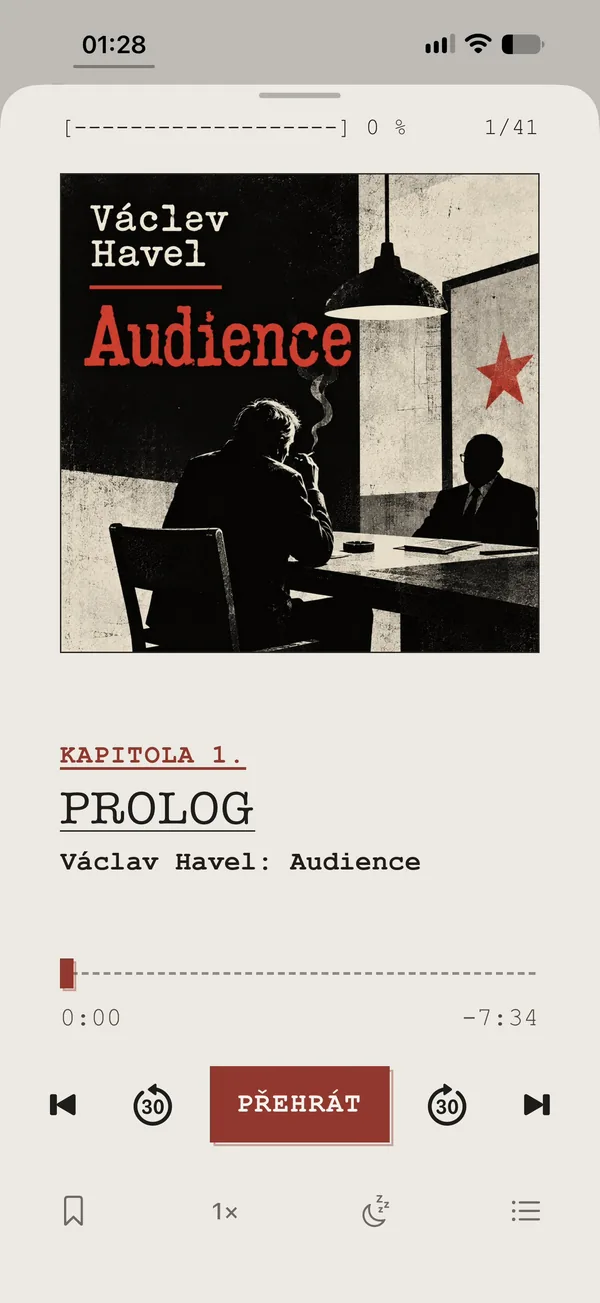
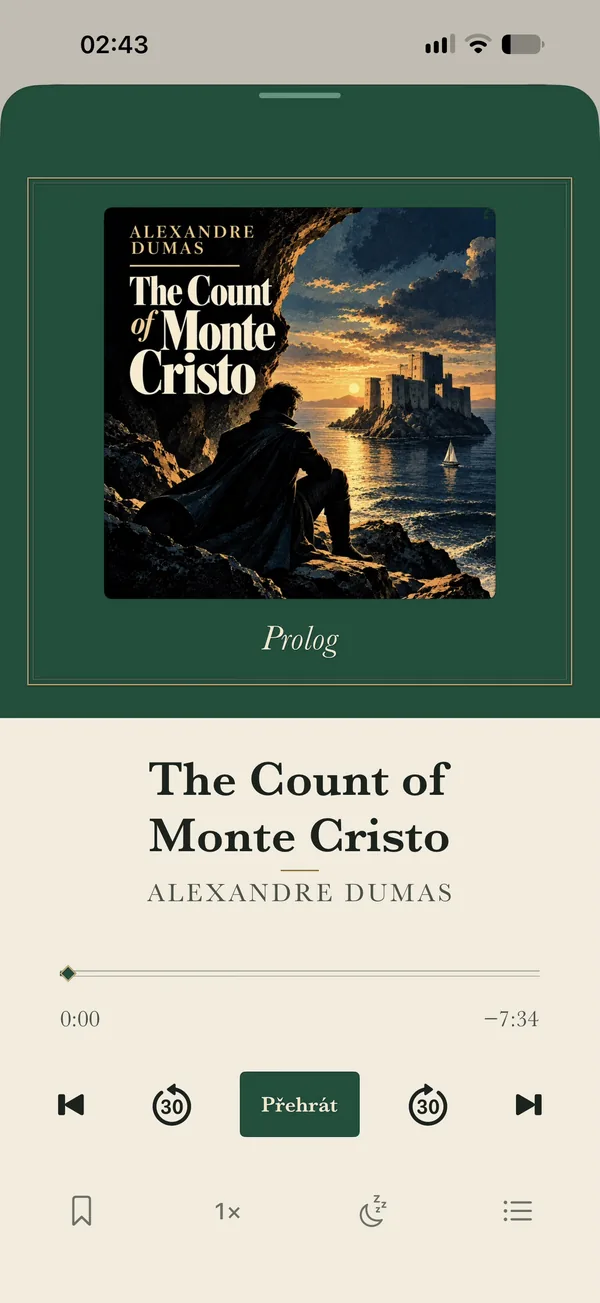
ListeningThe Count of Monte CristoChapter 1 of 117 · 53 h 45 min leftThe Call of the WildChapter 1 of 41 · PrologueA Clockwork OrangeChapter 1 of 41 · PrologueMrs DallowayChapter 1 of 41 · PrologueThe Spy Who Came in from the ColdChapter 1 of 41 · PrologueThe MetamorphosisChapter 1 of 41 · PrologueThe RavenChapter 1 of 41 · PrologueThe Name of the RoseChapter 1 of 41 · PrologueAudienceChapter 1 of 41 · PrologueThe Count of Monte CristoChapter 1 of 41 · Prologue
- Exactly where you stoppedPosition recorded.Position saved.The place stays.Not a sentence is lost.Not a sentence lost.Not a sentence is lost.Stop mid-sentence and next time you pick up right there.Even mid-chapter, your place is never lost.Playback continues from the last position.Playback continues from the last position.Stop in the middle and next time carry on exactly there.Stop in the middle and next time you pick up right there.Bookitca remembers the exact place and resumes there when you return.
- In the carListening in a vehicle.CarPlay.CarPlay.The journey has its own soundtrack.Leave the phone alone.The journey may have its own chapter.Plays through CarPlay, so you never need to touch your phone. Eyes stay on the road.CarPlay makes the audiobook available without handling the phone.Listening in the car without handling the phone.Listening without handling the phone.Through CarPlay you keep listening while the phone stays aside.Through CarPlay you keep listening and your hands stay where they belong.Through CarPlay you listen on while the phone stays aside.
- Chapters when you need themChapters available.Offline chapters.Downloaded chapters.Only the chapters you need.Take just a few chapters.A few chapters will do.Grab a few chapters for the trip and the next ones arrive on their own once you are on Wi-Fi.Only selected parts need be saved to the device. The rest remains in the holdings.Download only the chapters needed. The rest stays in storage.Only what is needed. The rest stays in storage.Download a few chapters for the journey. The rest stays in your storage.Download what you need for the road. Leave the rest in your storage.Take only part of the audiobook on the road. The rest can wait in your storage.
ALSO IN THE APP
- WidgetsYour current book on the Home Screen and the Lock Screen.
- StatsHow much you read and listen, day by day.
- DictionarySelect a word and see what it means.
- Sleep timerYou drift off, the book stops with you.
Full list
- Typeface, size and 10 themes
- Highlights and bookmarks
- PDFs with contents and search
- Comics in CBZ and scanned PDFs
- Read aloud with BOOKITCA Voice
- Twins: ebook and audiobook as one
- Two-page spreads on iPad, iPhone Duo support
- Speed from 0.5× to 3× in 0.05× steps
- Rewinds a few seconds after a pause
- Headphone and Lock Screen controls
- Collections across formats, like Summer reads
- Custom cover and title
- Share to Bookitca
- Catalogs of free books
- A bookshelf with real spines
- Add a book from a link to its file
- Export your read books to Goodreads and StoryGraph
TWINSSci-fi
One book. Twice.
An ebook and an audiobook of the same title become twins in Bookitca. A page at night, headphones in the morning, and the story is still in the same chapter.
The boat pushed off from the quay and the oars dipped steadily into the black water. Dantès sat between two gendarmes and said nothing.
Beyond the bow a rock rose out of the dark, crowned with walls every fisherman in Marseilles knew and none liked to sail near.
“Where are you taking me?” he asked quietly.
The gendarme only nodded towards the walls. Only then did Edmond understand he was bound for If.
“To If? But that is a prison. What would I be doing there?”
No one answered. The boat swung in beneath the walls, and an iron gate creaked open above them.
The Château d’If
The Count of Monte Cristo
Chapter 8 of 117
3:1251 h 12 min left−11:48
1×SleepChapters
Read aloud
No audiobook? BOOKITCA Voice reads the ebook to you, sentence by sentence, and the pages turn along with it.
Speed in 0.05× steps
From 0.5× to 3×. Slide the ruler with a finger, it settles on the usual speeds. Try it right here.
Comics
CBZ and scanned PDFs. Two-page spreads with the cover on its own, tap the page edge to turn.
LIBRARYTravel
Reading and listening, side by side.Holdings extended.
Titles catalogued.270 files.
6 books.270 files.
6 books.A collection from many places.
For the first time in one edition.Forget where you bought it.
It’s all in one place now.Many volumes.
One library.
An ebook remembers your page, an audiobook the sentence where you stopped. On iPhone and iPad, wherever you bought it.Ebooks and audiobooks from different sources are kept in one library. Each title’s provenance is preserved, and each has its place in the catalogue.Ebooks and audiobooks from different sources. One clear library.Ebooks and audiobooks from different sources. One clear library.Ebooks, audiobooks, different authors, different bookshops. Where they came from no longer matters. What matters is that they finally form one library.Keep the origin on the receipt. In the library you only deal with books. Ebooks and audiobooks have their place side by side.Ebooks and audiobooks, acquired at different times and in different places, meet in a single whole. Where each volume came from ceases to matter; each has its place in the library.

THEMESDrama
Ten themes, from E‑Ink to samizdat.Ten editions. One collection.10 themes. 1 library.10 themes. 1 library.One library. Ten editions.Ten looks. Still your books.The library does not change. Its appearance does.
Each has its own type, colours and app icon. This website is wearing Paperback.Typography, colours, shapes and the app icon change. The books, their metadata and their place in the library stay the same.Typeface, colours, shapes and the app icon change. Content stays the same.Typeface, colours, shapes and the app icon change. Content stays the same.Ten themes change the typography, colours, shapes and app icon. The content stays the same, the atmosphere does not.Ten themes, ten moods. Typeface, colours, shapes and icon change. The books don’t.One library, ten appearances. From E-Ink to Samizdat its face changes, not its contents.
Tap a theme and the phone restyles.
Original Parchment, ink and clay.
Good evening.
Synced just now
Continue listening
The Count of Monte Cristo
Alexandre Dumas
Marseille, the arrival
In progress
- Old Czech LegendsAlois Jirásek · 6 h 10 min left
- A BouquetKarel Jaromír Erben · 1 h 40 min left
Marseille, the arrivalThe Count of Monte CristoRIGHT AFTER INSTALLAdventure
Install tonight. Finish by morning.Collection established. First acquisitions ready.Install. Read.Install. Read.Install it in the evening. Finish it by morning.Install. Go.Volumes ready. Simply open.
No account, no setup, no cables. Your library is ready before your coffee is, and the first books are one tap away.No account and no setup. The library is established on first launch and the first volumes are one tap away.No account. No setup. Library ready on first launch, first books one tap away.No account. No setup. Library ready on first launch, first books one tap away.No account. No setup. No fuss. Your library is ready right away and the first books are one tap away.No account and no setup. The library is ready from the first launch, and the first volumes await a single tap.
- Your library sets itself up.It lives in your iCloud, so it’s the same on iPhone and iPad and survives a new phone.
- A bought book in one tap.An ebook arrived by email, an audiobook downloaded in Safari? Tap it, pick Bookitca, and a moment later you’re reading or listening.
- Thousands of free classics.Beyond the books to try, the app offers free ebooks and audiobooks from LibriVox, Project Gutenberg and the Municipal Library of Prague.
FOR COLLECTORSCrime
A messy folder is fine.The holdings may be disordered.
The records need not be.One folder.
The whole library.One folder.
The whole library.One folder.
A well-assembled library.The drawer can be a mess.
The library can’t.The files remain.
The library assembles itself.
Keep your books in one folder on Dropbox, iCloud Drive or your own server, nested as deep as you like. Bookitca goes through it and builds a library of ebooks and audiobooks.Dropbox, iCloud Drive or your own WebDAV server. Bookitca goes through the stored files, recognises books and audiobooks and files them into a single library.Dropbox, iCloud Drive or your own WebDAV server. Bookitca scans the folder and builds a library of ebooks and audiobooks.Dropbox, iCloud Drive or your own WebDAV server. Bookitca scans the folder and builds a library of ebooks and audiobooks.Your books can stay in a single folder on Dropbox, iCloud Drive or your own server. Bookitca goes through them, recognises them and assembles a library for reading and listening.No need to tidy anything. Dropbox, iCloud Drive or your own server will do. Bookitca goes through the folder, finds the books and audiobooks and makes a library out of them. It leaves the originals alone.Your books may rest in a single folder on Dropbox, iCloud Drive or your own server, in subfolders and in no particular order. Bookitca goes through them and assembles a library of ebooks and audiobooks without altering the original files.
A book you bought can usually be downloaded as a file.Acquisition purchased. Deposit in your own holdings recommended.A purchased book can often be downloaded as a file.A purchased book can often be downloaded as a file.A book shouldn’t stay at the checkout.You bought it. So keep it with you.You acquired the book. So keep it with you. Save it to your folder and it opens in Bookitca, not only in the store’s app.If the book is available to download as a file, save it to your own storage. In Bookitca it then receives the same place as the other titles.A file saved to your own storage opens in Bookitca regardless of the store’s app.A file saved to your own storage opens in Bookitca regardless of the store’s app.If it is available as a file, take it with you. In Bookitca it has the same place as all the others.If the store lets you download the file, save it to your own folder. It doesn’t have to stay locked in their app.If it is available to download, save it to your own storage. It need not remain only in the store’s app.
London.epubEPUBMonte Cristo/118 files01.mp3MP302.mp3MP3… and 115 morecover.jpgJPGscan0012.pdfPDFAudiobooks/new/other/147 filesold_legends_CD1_track01.mp3MP3old_legends_CD1_track02.mp3MP3old_legends_CD2_track01.mp3MP3… and 144 moreGrandmother_Nemcova(1).mobiMOBIbouquet-erben-FINAL.m4bM4Bgroceries.txtTXTskipped
Tap a book to see what it was made from.
270 files→6 books.
Nothing in the folder gets renamed or moved.Originals stored unchanged.Original files remain unchanged.Original files remain unchanged.The original files remain unchanged.The order lives in Bookitca. Not in the files.The originals remain untouched.
Try it with your own folder.Inspect your own holdings.Your folder.
Your result.Your folder.
Your result.See your own library before you open it.Open the drawer.Look into your own collection.
Drop your own books here and see what Bookitca finds in them.Choose a folder. Bookitca carries out a local inventory and shows the books it recognises.The selected folder is analysed directly in the browser.The selected folder is analysed directly in the browser.Choose a folder and Bookitca shows what it recognises.Pick a folder and let Bookitca show you what books you’ve got in there.Choose a folder and see what library Bookitca finds in it.
Nothing leaves your device.Processed on site. Nothing is sent.Processed locally. Nothing is sent.Processed locally. Nothing is sent.The preview runs only in your browser.We send nothing anywhere. Not even the list of books.Your books do not leave this browser.
The preview runs only in your browser. The app also names chapters, orders tracks and keeps your place in sync across devices.
FAQ
Questions.Frequently sought details.
Answers filed below.Questions.
Answers.Questions.
Answers.Worth knowing
before the first page.Questions?
Fine. Let’s go.A few answers
in closing.
Do I need Dropbox or any setup?
No. On first launch your library sets itself up in your iCloud (or on the phone itself without iCloud). Dropbox, your own server and other storage are only an option for people who already keep books somewhere.
Where do I get books?
Bookitca does not sell books. It opens the ones you already have: ebooks and audiobooks you bought, or your own files. Public domain titles are in the catalogs right in the app.
If I buy an ebook, can I also listen to it in Bookitca?
Yes, in two ways. BOOKITCA Voice can read the ebook aloud, sentence by sentence. And if you also have the audiobook of the same title, Bookitca pairs them as twins, so you switch between reading and listening in the same chapter. Bookitca doesn’t make or sell audiobooks, though.Listening to a bought ebook: yes, in two ways. The ebook can be read aloud by BOOKITCA Voice. If the audiobook of the title is also held, Bookitca pairs the two as twins, and switching between reading and listening keeps the chapter. Audiobooks are neither produced nor sold by the app.
Do books from my store work?
Yes, as long as the store lets you download the book as a file. Watermarked (social DRM) books are fine. Books locked with classic DRM to one specific app will not open in Bookitca.
How much does it cost?
Downloading, reading and listening cost nothing. BOOKITCA Pro, a one-time in-app purchase, unlocks all ten editions and app icons, WebDAV, S3 and Audiobookshelf, unlimited twins, custom covers, sound settings, read along, CarPlay and widgets. No ads, no subscription. If you got BOOKITCA before version 1.9, Pro is yours for free, forever.Fees: none for downloading, reading and listening. BOOKITCA Pro, a one-time in-app purchase, unlocks all ten editions and app icons, WebDAV, S3 and Audiobookshelf, unlimited twins, custom covers, sound settings, read along, CarPlay and widgets. No ads, no subscription. If you got BOOKITCA before version 1.9, Pro is yours for free, forever.
What happens to my data?
The Bookitca app has no server, no user accounts and no analytics. Your books and reading state stay in your storage. See the Privacy page for details.User account: none kept. Your books and your place in them stay in your own storage. Bookitca has no server, accounts or analytics, and does not turn your books into a new walled garden. This website only counts visits anonymously, without cookies.
Which formats are supported?
Ebooks in EPUB, DRM-free MOBI and AZW3, and PDF, plus FB2, PDB, RTF and TXT from older archives. Audiobooks in M4B, M4A, MP3 and audiobook ZIPs. Comics in CBZ, CBR stored as ZIP, and scanned PDFs. A folder of files is one book.Supported formats: EPUB, MOBI and AZW3 (DRM-free), PDF, FB2, PDB, RTF, TXT, M4B, M4A, MP3, comics in CBZ and CBR (ZIP). A folder of files is one book.
Which storage services work?
Dropbox, OneDrive, iCloud Drive, WebDAV (Synology, Nextcloud or your own server), S3 (AWS, Cloudflare R2, Backblaze B2 and others) and an Audiobookshelf server. You can connect several at once and their books meet in one library.Storage locations: Dropbox, OneDrive, iCloud Drive, WebDAV (Synology, Nextcloud or your own server), S3 (AWS, Cloudflare R2, Backblaze B2 and others), Audiobookshelf. Several can be connected at once, their books form one library.
I have hundreds of books. How do I get them in?
Just copy them from your computer into the library folder, all at once if you like. No conversion and no special format needed. The library guide explains how to organize the folder. With an AI agent it takes no work at all: just give it the AI librarian prompt.
Do I need the whole audiobook on my phone?
No. It plays straight from your storage, or you download just the chapters you need right now.
What does it run on?
iPhone with iOS 17 and iPad with iPadOS 17 or later. iPhone Duo is supported too.